



App download instructions for Chinese-brand android devices
Installing EasyAbroad (出境易) is a great method for running Google services on Chinese-brand Android & HarmonyOS devices.
Below are the instructions to install and set up EasyAbroad (出境易) on your device:
Step 1: Install EasyAbroad ( 出境易 ) from your Device’s App Gallery/Store.
Open your device’s AppGallery/Store.
Search for "Easy Abroad" or "出境易" (the Chinese name often yields better results).
Download and install the app.
Step 2: Initial Setup and Permissions
Open the EasyAbroad (出境易) app.
Grant necessary permissions (storage, notifications, etc.) to allow the app to function properly.
Step 3: Installing our Family Style HK 2026 app
Search for the Google Play Store icon within EasyAbroad (出境易), and select it.
Search for download our Family Style HK 2026 App via the Google Play Store, and press download.
Step 4: Family Style HK 2026 App successfully downloaded!
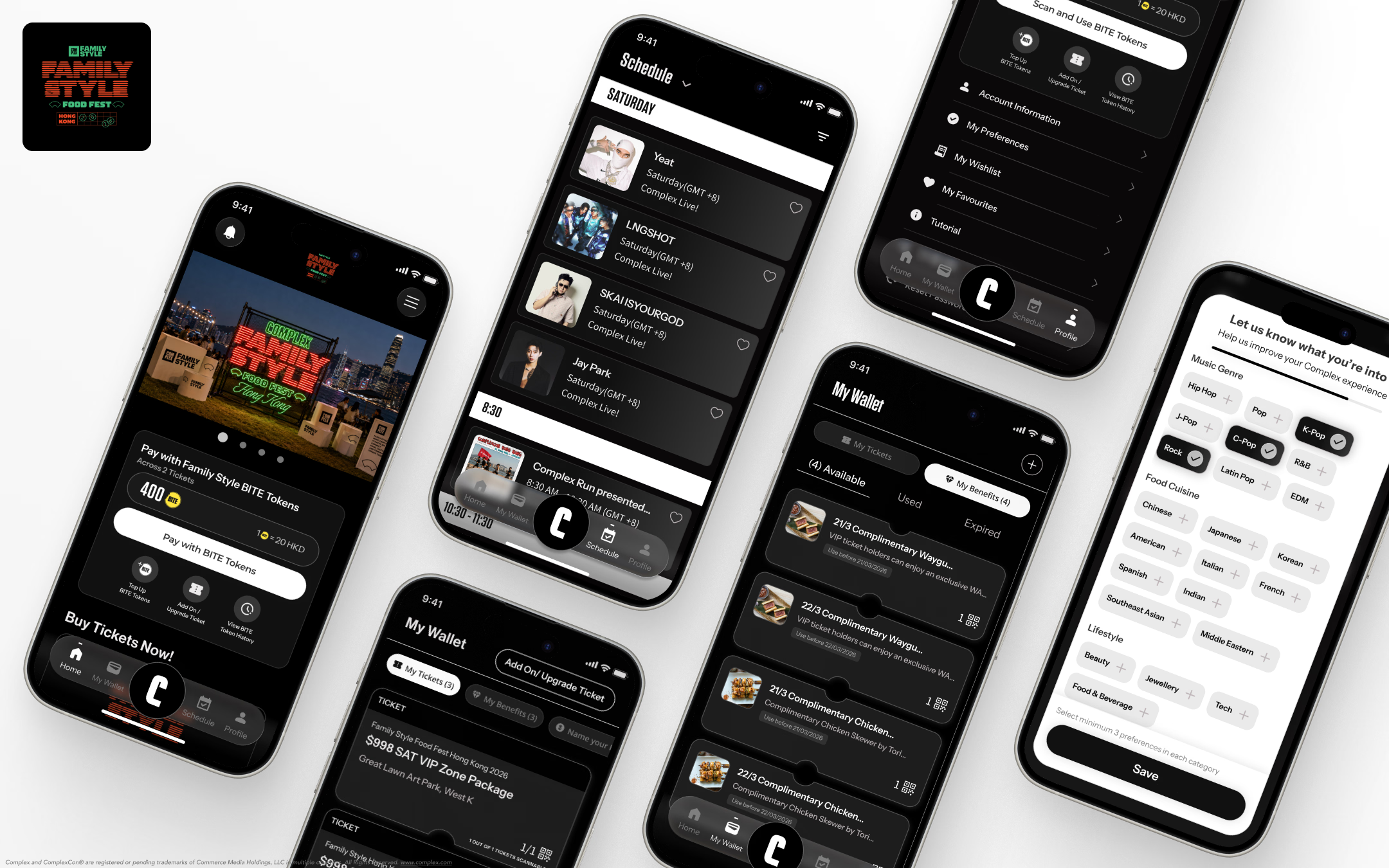
Once Family Style HK 2026 App is downloaded , you may now sign up and claim your tickets via our app if you have purchased tickets already.
Need Help?
Contact Us at: techsupport@allatoncelive
Learn More about: Ticket Information